
Cloud vs. Desktop Conversion Technology
Which is Better in 2026?
In 2026, the way we handle digital assets has split into two distinct paths. On one side, we have the lightning-fast, "everywhere-accessible" Cloud Converters. On the other, the robust, "privacy-first" Desktop Software. For users managing specialized files like the ADF (Amiga Disk File), choosing the wrong environment can lead to lost time, high costs, or even security breaches.
Is the convenience of the browser-based online tool worth the potential privacy trade-off? Or should you invest in heavy-duty local software? This 1,000-word analysis breaks down the performance metrics of both architectures in the current technological landscape.
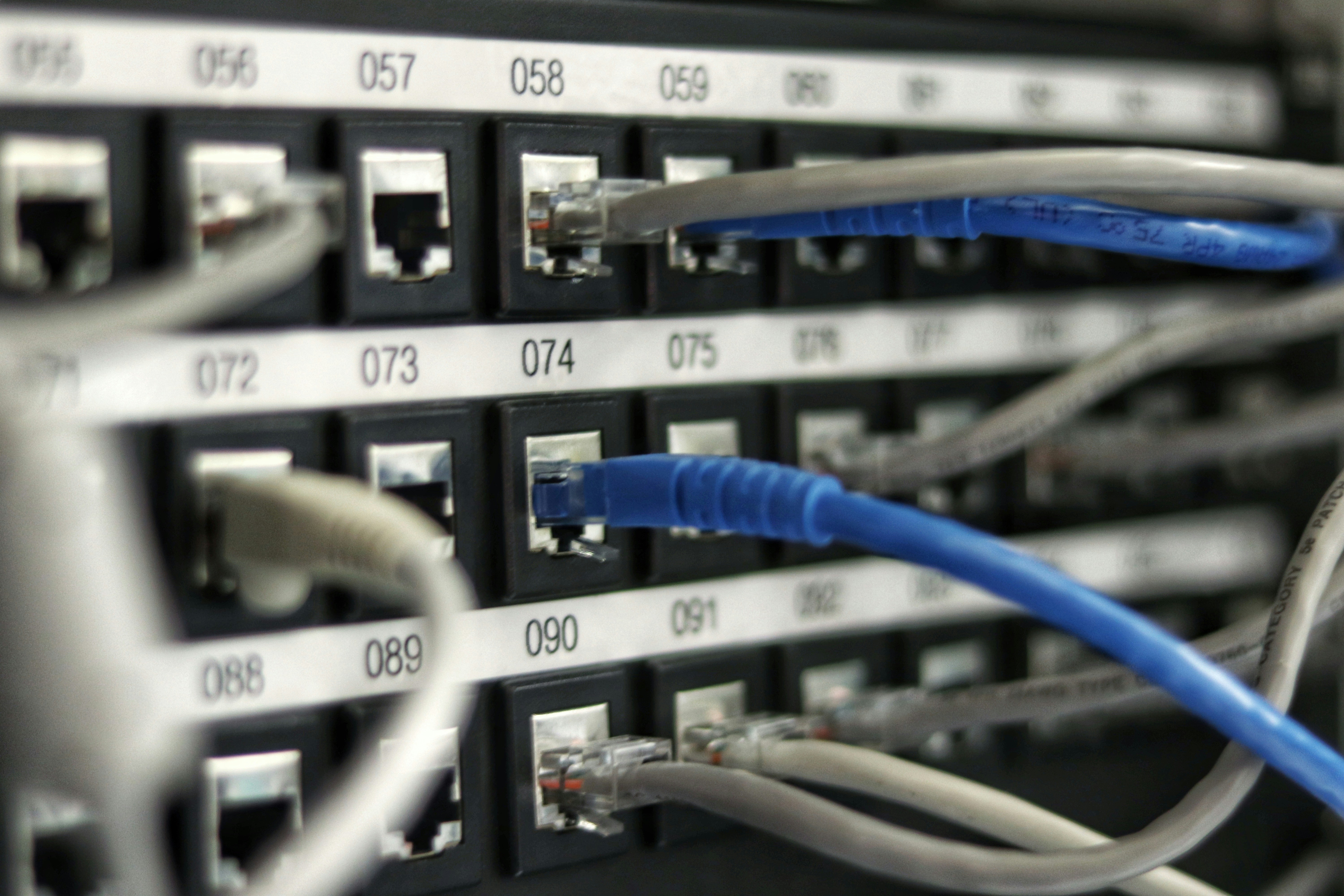
Figure 1: The architecture you choose dictates your workflow speed and data sovereignty.
1. Cloud Conversion: The Power of Elasticity
Cloud conversion technology leverages remote servers (like AWS or Google Cloud) to process files. In 2026, this has become the standard for 90% of casual and business users.
The "Zero-Footprint" Advantage
The primary draw of cloud tools like our ADF Online Converter is that they require zero installation. You don't need a high-end PC to convert complex disk images; the server does all the "heavy lifting." This is particularly useful for mobile users or those working on low-spec laptops (Chromebooks, tablets).
- Speed: Cloud servers use multi-core GPU clusters that can process a file in seconds.
- Updates: You are always using the latest version of the conversion algorithm without manual patches.
- Collaboration: Converted files can be sent directly to cloud storage (Google Drive, Dropbox) for immediate team access.
2. Desktop Software: The Fortress of Privacy
Despite the cloud's dominance, desktop software remains the "fortress" for those handling sensitive data. In 2026, many corporate legal departments still mandate local processing for all legacy archives.
[Image showing a secure local workstation for sensitive data processing]Data Sovereignty and Offline Access
With desktop software, your data never leaves your hard drive. This eliminates the risk of "man-in-the-middle" attacks during the upload process. Furthermore, if you are working in a remote area with unstable internet, desktop tools are your only reliable option.
- Control: You have granular control over the conversion parameters (e.g., specific bitrates or legacy file system settings).
- Privacy: Ideal for sensitive ADF archives containing personal history or proprietary code.
- One-Time Cost: While cloud tools often use subscriptions, desktop software usually involves a one-time license fee.
3. Performance Comparison: A 2026 Benchmark
| Feature | Cloud-Based (SaaS) | Desktop-Based (Local) |
|---|---|---|
| Initial Setup | Instant (Browser) | Slow (Installation/Reg) |
| Processing Power | High (Server-Side) | Limited by your PC |
| Security Risk | Low (Encrypted Transit) | Zero (Offline) |
| Batch Conversion | Excellent (Parallel) | Good (Linear) |
4. Cost Analysis: Subscription vs. Perpetual License
Financially, the choice depends on your frequency of use. In 2026, "FinOps" (Financial Operations) has become a key discipline even for individuals. If you only need to convert an ADF file once every few months, a free or "pay-as-you-go" cloud service is significantly cheaper. However, for a company digitizing 100,000 disks, a one-time desktop license represents a much better Return on Investment (ROI).
5. The Hybrid Revolution: The Best of Both Worlds?
Interestingly, 2026 has seen the rise of **Hybrid Converters**. These are desktop applications that offload the most "math-heavy" parts of a conversion to the cloud while keeping the sensitive data management local. This "Edge Computing" model is becoming popular for high-end video and legacy data recovery suites.
Final Verdict: Which One Should You Choose?
The "better" technology depends entirely on your specific scenario:
- Choose Cloud if: You value speed, convenience, and don't want to manage software updates. Perfect for quick ADF to PDF conversions on the go.
- Choose Desktop if: You are working with high-security government or legal data, or if you are a "power user" who needs to tweak every technical setting.
Conclusion
Whether you lean toward the agility of the cloud or the security of the desktop, the most important factor is the quality of the conversion engine itself. Our ADF Online Platform uses a proprietary "Cloud-Local" bridge that provides the speed of the cloud with the encryption standards of a local machine. Why compromise when you can have both?
Experience the fastest conversion speed in 2026. Upload your files to our secure cloud today and see the difference in quality and performance.
Keywords: Cloud vs Desktop Conversion, File Conversion Performance 2026, Secure ADF Converter, SaaS vs On-Premise Software, Digital Asset Management, Online Tool Security.